How it works
Available tools
FAQ
Blog
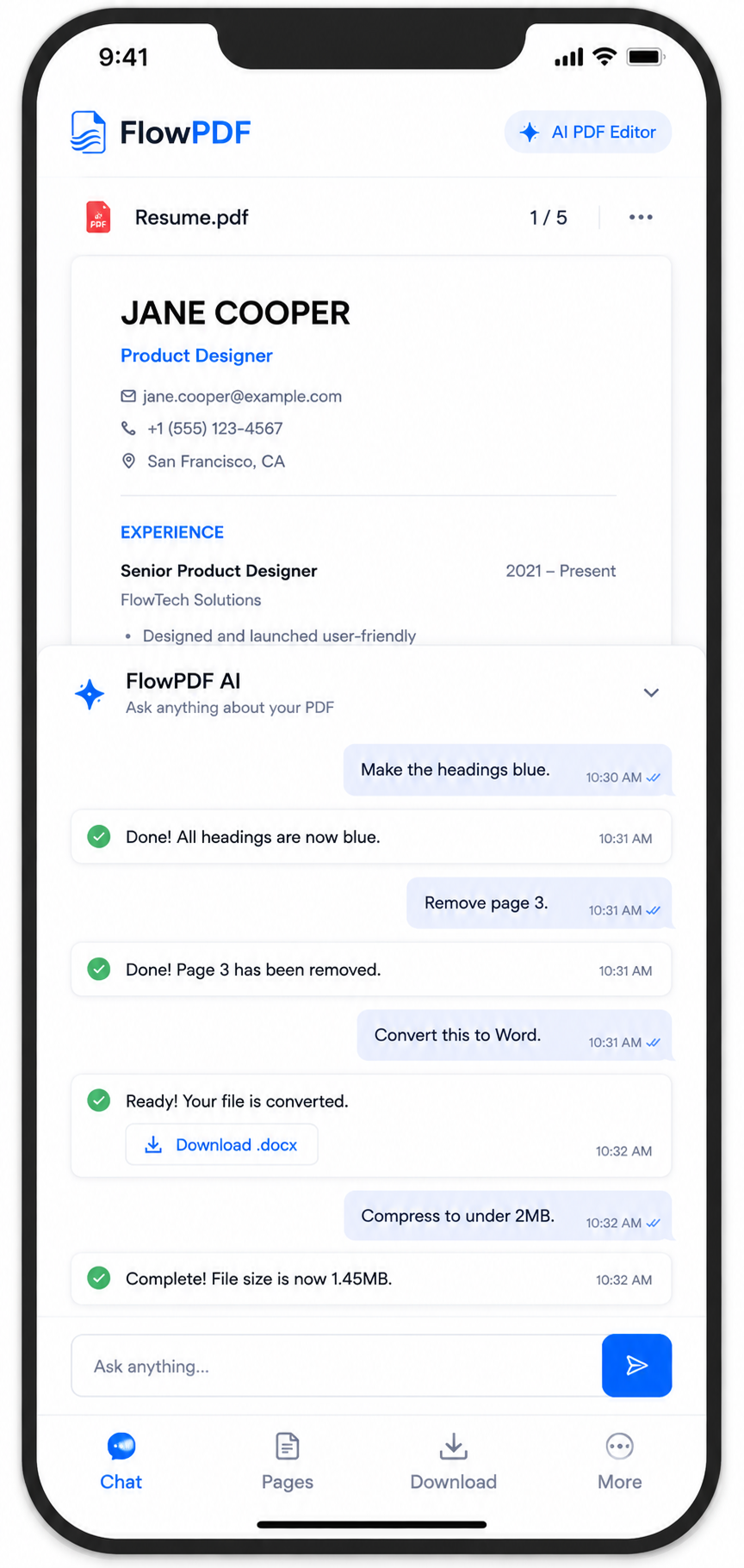
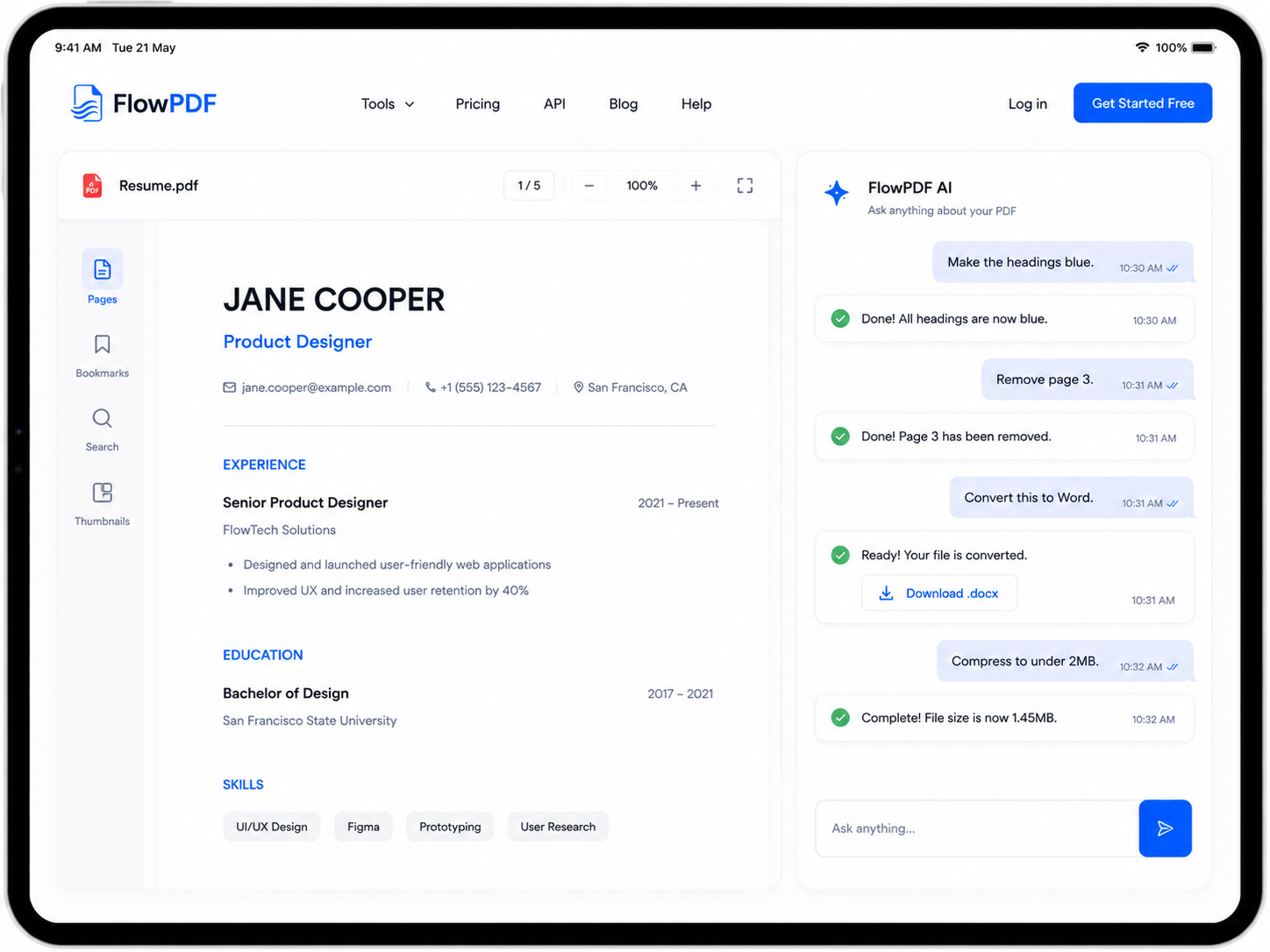
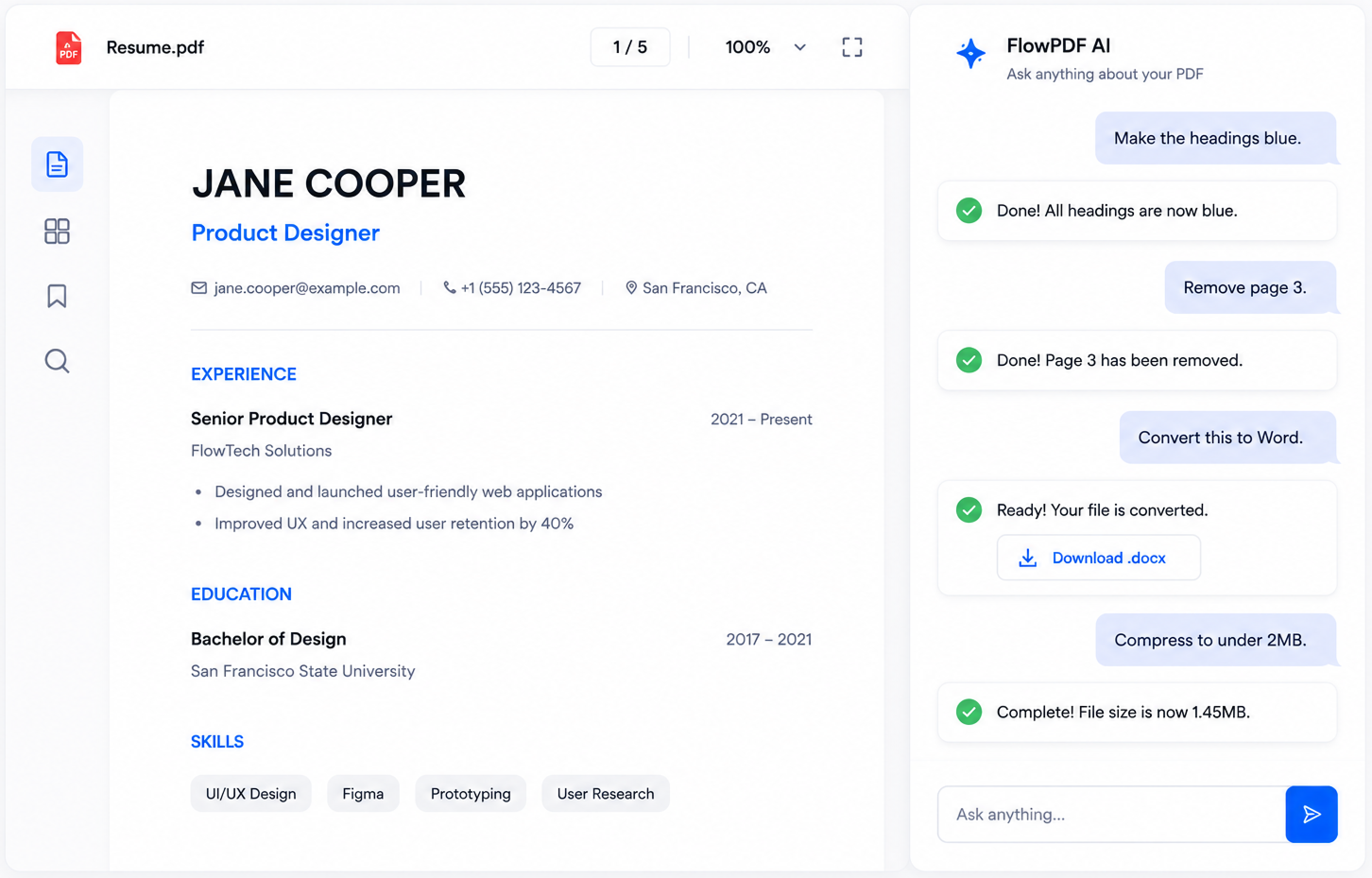
Chat with FlowPDF and get anything done with your PDF, Fast. Simple. Secure
or drag & drop your PDF here
No sign up
Secure & Private
Free to use
Just want to view a file?
1
Upload your PDF
Drag & drop or choose a file.
2
Ask anything
Tell us what you want to do.
3
Get it done
Download your updated PDF.
Everything, just by asking
No menus to hunt through — just tell FlowPDF what you need done.
Delete Pages
Delete one or more pages from a document.
Add Header Footer
Stamp custom text (e.g. a company name, date, or file reference) into the header or footer of every page.
Pdf To Txt
Extract all readable text from a PDF into a plain .txt file, with no formatting or layout.
Duplicate Pages
Duplicate a specific page, inserting one or more extra copies right after it.
Rotate Pages
Rotate one or more pages.
Split Pdf
Split a document into two parts after a given page number.
Redact Pages
Permanently black out and remove specific rectangular areas of a document (e.g. sensitive text, SSNs, signatures).
Extract Pages
Pull specific pages out into a brand new document, preserving the order given.
Flatten Pdf
Flatten fillable form fields and annotations so the document can no longer be edited.
Reverse Pages
Reverse the order of every page in a document.
Fill Form
Fill in values for an existing fillable PDF form's fields.
Remove Metadata
Strip all metadata from a document.
Resize Pages
Resize every page of a document to a standard paper size.
Extract Images
Extract embedded images from a PDF.
Edit Metadata
Edit a document's metadata.
Grayscale Pdf
Convert every page of a document to grayscale.
Pdf To Xlsx
Extract tables from a PDF into Excel.
Organize Pdf
Reorder all pages in a document.
Pdf To Png
Convert every page of a PDF into PNG images.
Insert Blank Page
Insert a blank page into a document.
Docx To Pdf
Convert a DOCX document into a PDF.
Images To Pdf
Combine images into a single PDF.
Pdf To Docx
Convert a PDF into an editable Word document.
Pdf To Jpg
Convert every page of a PDF into JPG images.
Pdf To Pptx
Convert a PDF into a PowerPoint presentation.
Crop Pdf
Crop margins off every page.
Add Page Numbers
Stamp page numbers onto every page.
Merge Pdfs
Merge multiple PDFs into one.
Compress Pdf
Reduce PDF file size.
Watermark Pdf
Stamp a text watermark across every page.
Protect Pdf
Add password protection to a PDF.
Unlock Pdf
Remove password protection from a PDF.
PDF to Word
Convert PDF files into editable Word documents.
PDF to PowerPoint
Convert PDF files into PowerPoint presentations.
PDF to Excel
Extract PDF data into Excel spreadsheets.
Word to PDF
Convert Word documents into PDFs.
OCR PDF
Convert scanned PDFs into searchable documents.
Translate PDF
Translate PDF files while preserving layout.
AI Summarizer
Generate concise summaries of PDF documents.
Sign PDF
Electronically sign PDF documents.
No sign-up, no editing needed
Drop in a PDF, image, or document and it opens right away — right in your browser.
Opens instantly
PDFs and images render straight in your browser — no upload, no waiting.
Private by default
Nothing leaves your device unless you choose to edit it.
Any format
PDF, JPG, PNG, and Word docs — one viewer for all of them.
Everything you might want to know before uploading a file.
Is FlowPDF really free to use?
Yes. Uploading a PDF and asking FlowPDF to rotate, delete, merge, or otherwise edit pages doesn't require payment or an account.
Do I need to create an account or sign up?
Is it safe to upload sensitive or private PDFs?
What can I actually ask FlowPDF to do?
Can I undo a change if the result isn't what I wanted?
Is there a file size or page limit?